.gif)
.gif)
.gif)

 Where to view B2B from Client?
Step 1: Login to TravelSCQM
-
Go to the TravelSCQM login page and enter your credentials.
-
Once logged in, you will land on your Dashboard.
Step 2: Navigate to B2B Process
-
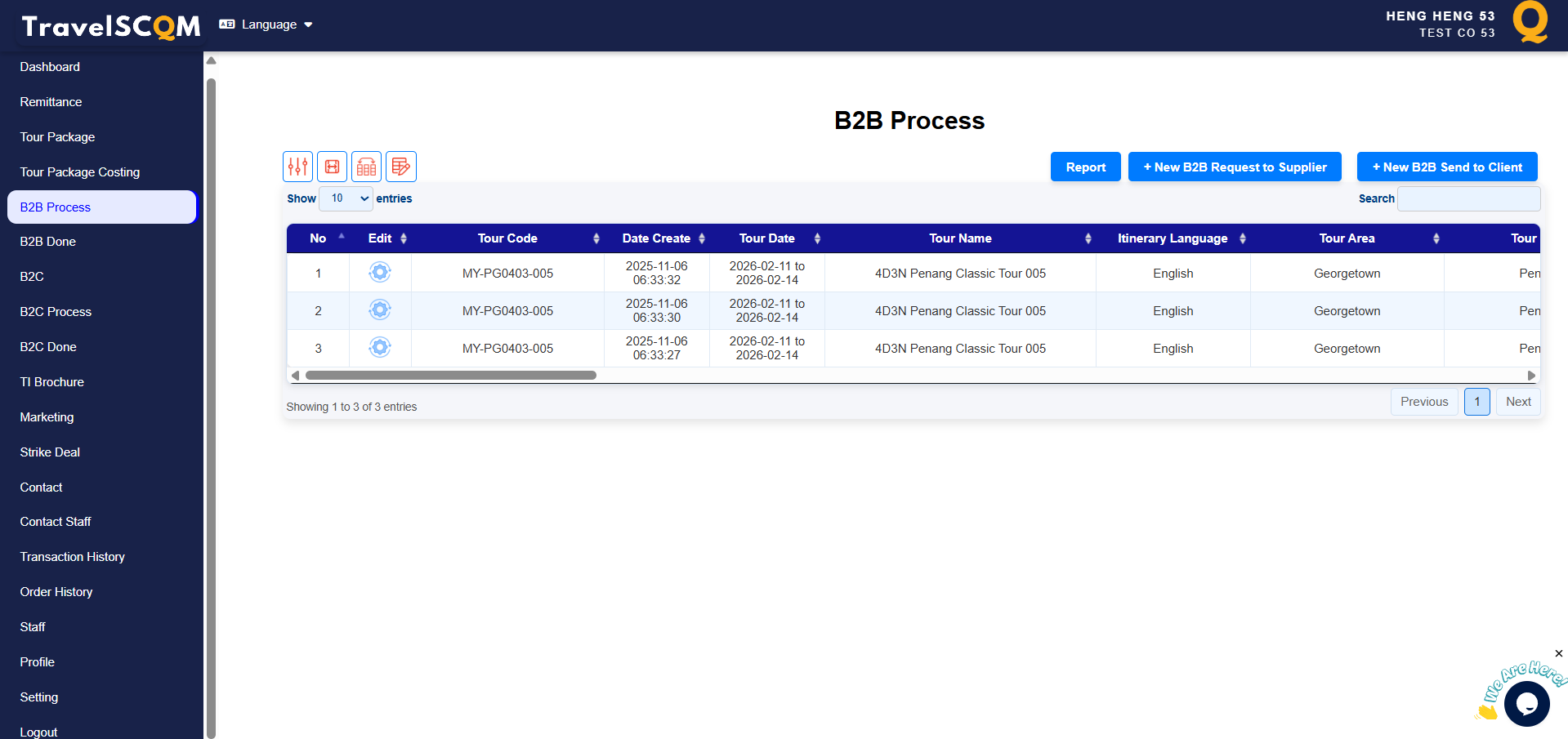
From the left-side menu, click on "B2B Process".
-
You will be directed to the B2B Process Page, where you can view a list of current in-progress quotations.
Step 3: Filter and View
-
At the top left-side of the table, click on the "Filter" icon to filter OR
-
the "Search" fucntion at top right-side of the table
-
Once desires B2B found, Click on the "Edit" button to view the details.
 What is B2B in TravelSCQM?