.gif)
.gif)
.gif)

 How to login to my TravelSCQM account?
TravelSCQM > Login
| 1. |
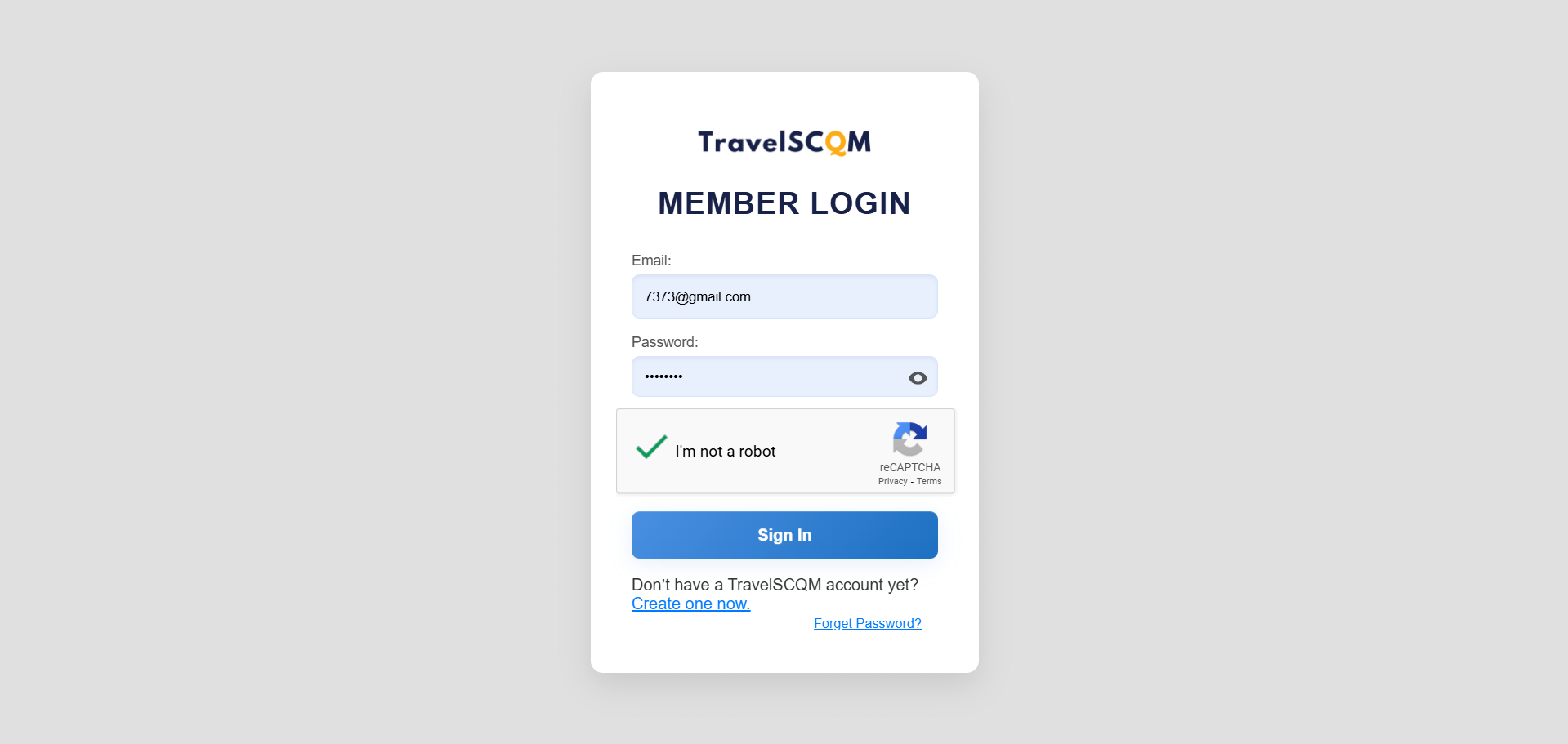
Step 1: Once you have signed up as a TravelSCQM member, enter your registered email and password to proceed with login.
|
| 2. |
Step 2: Select I’m not a robot checkbox to complete your verification before logging in.
|
| 3. | If you do not yet have a TravelSCQM account, please refer to How to set up my TravelSCQM account? and follow the steps to complete your registration. |
 What should I do after signing up as a TravelSCQM member?