
Folder What happens if I do not follow the password requirements?
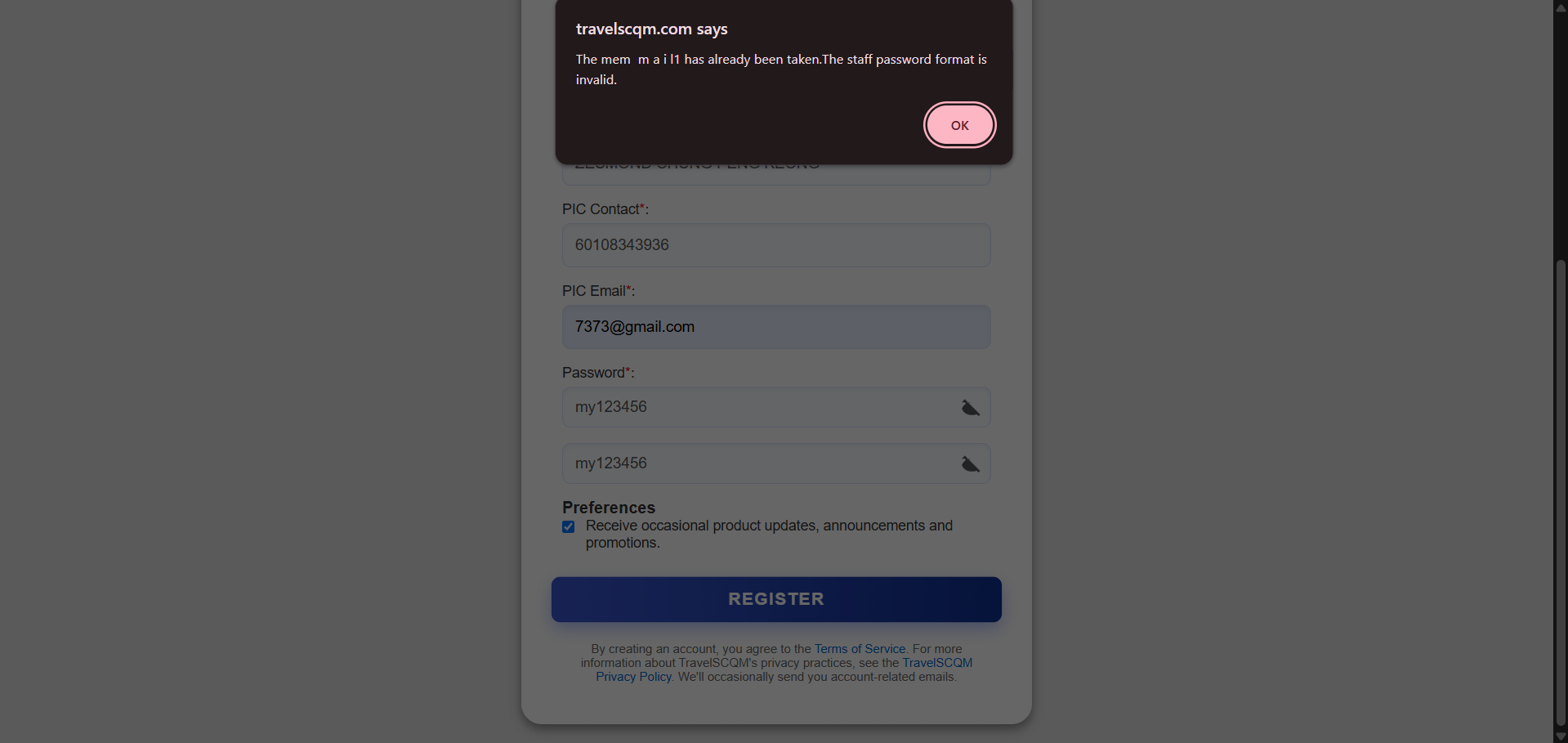
If your password does not meet UrbanSoft’s password requirements, the system will not accept the password submission.

This means you cannot complete your account registration or update your password until the password meets all the required criteria.


What Can I Do?

Create a password that meets all the required criteria, then submit it again.

Once the password meets the requirements, you can continue with the registration or password update process.


Example

For example, if your password does not meet one of the required criteria, the system will not accept it.

Simply adjust the password so that it meets all requirements and submit it again.


Important Notes

  • The password must meet all specified requirements.

  • An invalid password cannot be submitted.

  • You must meet the requirements before completing registration or changing your password.

  • Following the password requirements also helps keep your account secure.

Book an appointment with TravelSCQM
Footer
